
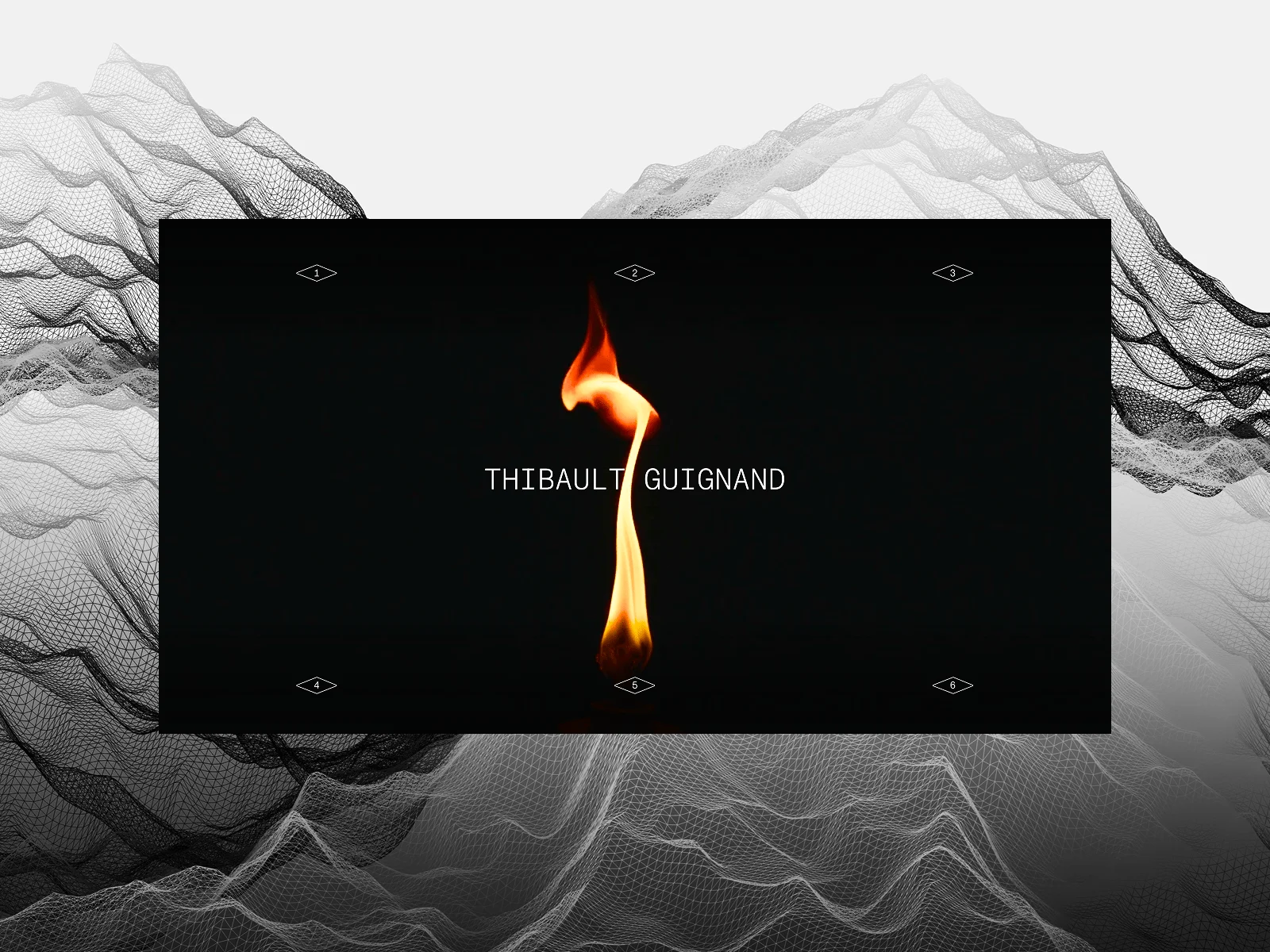
My name is Thibault Guignand. I work both as a freelancer and full-time employee (CDI). It’s a dual setup that exposes me to every kind of project, from corporate work to fully creative ones. My long-term goal is to shift 100% of my time toward creative work.
This redesign was, in a way, a lab. A way to measure where I stand in the creative web game today, and what I’m worth in it. My previous portfolio already carried the seed of this design direction; I wanted to pick it back up, push it further, and bring it in line with the years of experience accumulated since.
My daily intake comes from creatives I follow closely (Aristide Benoist, Cathy Dole, Corentin Bernabou, and others) and from specialized platforms like Awwwards. I don’t look at their work to copy; I look at it to set a bar for myself.
Several weeks in total. The core build came together fast; polishing it stretched the timeline. Making every format (desktop, tablet, mobile, reduced motion) behave exactly the way I wanted took most of it.
I started the WebGL layer with Three.js, the obvious choice. Halfway in, I rewrote everything in OGL. The tradeoff was worth it: lighter bundle, leaner API, and a codebase I felt I truly owned line by line.
Tech Stack & Tools
The stack is intentionally mainstream. Picking widely-deployed tools means I can demonstrate mastery of the same building blocks studios already use.
Vite + React 18 + TypeScript. Default answer for me now: fast dev loop, typed confidence, zero surprise for anyone reading the code.
GSAP. Fan since day one, and now that it’s fully free, it’s a no-brainer. Green-heart love. SplitText, ScrollTrigger, and the timeline API are unmatched for the kind of motion I want.
OGL. Covered in the backstory: lightness over three.js, and an excuse to dig deeper into low-level WebGL.
Lenis. Native scroll is too brittle for tightly-coupled ScrollTrigger animations. Lenis gives me smooth scrolling plus a single source of truth I can sync with GSAP’s ticker.
SCSS + BEM. Habit and personal preference. When I’m writing shaders and bespoke layouts, a predictable naming convention keeps my head clear.
i18n (FR/EN). Creative awards platforms have international juries; bilingual isn’t optional if I want the site judged by the widest possible audience.
Design tooling. I sketched the layout grid in Figma to lock the rhythm and proportions, then shipped it as part of the production CSS. Press Cmd/Ctrl + G anywhere on the site and the grid overlays in place: same gutters, same rows, same columns. The actual content sits on that grid, not approximating it. Everything else (typography, motion, transitions) I designed directly in code. Fewer handoffs, tighter feedback loop.

Feature Breakdowns
Video Carousel Transition
The homepage sits on top of a full-screen video carousel: hover any project rectangle and the current video melts into the next through a block-reveal pattern distorted by noise, with a chromatic aberration that peaks mid-transition.
How it works. A full-screen triangle in NDC space runs the fragment shader below. Three things happen in parallel:
- Block reveal mask: UVs are pixelated and sampled against a static noise texture. A
step()against the progress uniform turns this into a binary mask that grows block by block. No linear wipe; every pixel switches abruptly but not simultaneously. - Displacement: a second noise sample, scrolling in time, warps UVs along a 2D direction. Intensity follows
parabola(progress, 2.)so the warp peaks at 50% progress and returns to zero. - Chromatic aberration: red and blue channels of both textures are sampled with opposite offsets. Same parabola easing.
float dt = parabola(progress, 2.);

// Block reveal: static noise pixelated, compared to progress
vec2 blockUv = floor(vUv * uNoisePixelSize) / uNoisePixelSize;
float noiseVal = texture2D(displacement, blockUv).g;
float intpl = step(noiseVal, progress);

// Warp
vec2 displaceDir = (noise.rg - 0.5) * 2.0;
vec2 warpedUv = uv + displaceDir * dt * uDisplaceIntensity;

// Chromatic aberration
float shift = dt * uRGBShift;
t1.r = texture2D(texture1, warpedUv + vec2(shift, 0.0)).r;
t1.g = texture2D(texture1, warpedUv).g;
t1.b = texture2D(texture1, warpedUv - vec2(shift, 0.0)).b;

// same for t2…
gl_FragColor = mix(t1, t2, intpl);
GSAP × WebGL: one uniform as the bridge. The entire choreography (every block snap, every pixel of warp, every chromatic offset) is driven by a single progress number between 0 and 1. That number lives in JavaScript, tweened by a GSAP timeline with a custom ease; every animation frame I copy it into the progress uniform and OGL sends it to the GPU. The shader is stateless, GSAP owns the motion curve, and I can swap eases or chain timelines without touching a line of GLSL. It’s the single pattern I reuse across every effect in the project.
Per-frame upload, the minimum needed. Video textures must be re-uploaded each frame, since the browser has decoded new pixels. I flag texture.needsUpdate = true only on the two textures currently involved in a transition (source + destination), never on the whole pool. Outside of a transition, the carousel falls back to native playback with zero GPU uploads.
Flowmap Text Distortion
Across the site, project titles and hero images react to the cursor with a fluid distortion and a velocity-driven chromatic rainbow. It’s the kind of effect that dies if you stutter the mouse over it, so every millisecond counts.
How it works. OGL’s Flowmap helper writes the cursor’s velocity into an off-screen RG texture each frame, accumulating a fading “brush stroke” of motion. The shader samples that flowmap to distort the text UVs, then does a second pass of directional chromatic aberration: instead of a symmetric RGB shift, each channel is offset along the vector from the mouse to the pixel, with different magnitudes per channel (R at 1.5×, G at 0.5×, B at 1.8×).
// Directional chromatic aberration: not centered, guided by cursor
vec2 toMouse = vUv - uMouse;

float influence =
    smoothstep(uRadius, 0.0, length(toMouse)) * uVelo;

vec2 offset =
    normalize(toMouse) * influence * uChromaticIntensity;

// RGB split sampling
float r = texture2D(tWater, baseUV - offset * 1.5).r;
float g = texture2D(tWater, baseUV + offset * 0.5).g;
float b = texture2D(tWater, baseUV + offset * 1.8).b;

// Rainbow kick when velocity is high: sin() with 120° phase offsets
if (uVelo > 0.01) {

    float hueShift =
        uTime * 0.01 + length(toMouse) * 2.0;

    r = mix(
        r,
        sin(hueShift) * 0.5 + 0.5,
        uVelo * uColorShift
    );

    g = mix(
        g,
        sin(hueShift + 2.094) * 0.5 + 0.5,
        uVelo * uColorShift
    );

    b = mix(
        b,
        sin(hueShift + 4.188) * 0.5 + 0.5,
        uVelo * uColorShift
    );
}
The rainbow uses the oldest trick in the book: three sin() calls separated by 2π/3 rad, mapped to R, G, B. It only kicks in when the cursor is moving fast enough, which keeps the effect quiet during idle hover and loud during fast swipes.
Mount once, swap textures. This is the optimization I’m proudest of. My first version mounted a fresh WebGL context for each project title. Clean in React terms, catastrophic in practice. GPU memory kept climbing; the rainbow stuttered by the fourth hover. The rewrite keeps a single FlowmapEffect mounted at the HomePage level and accepts the current target as an imageSrc prop. The context survives, only the texture swaps. Paired with an idle guard that stops the rAF loop after 90 frames without cursor input (and resumes on the next mousemove), the effect costs almost nothing when you’re not using it.
Next-Project Scroll Morph
At the bottom of every project page, the “Next project” preview expands as you scroll: a clipped, scaled-up background unclips into view while an SVG circle traces a 0→100% counter. Hit 100% and you’re automatically navigated to the next project. Scroll back up and everything reverses, and the navigation is cancelled.
How it works. A single ScrollTrigger with scrub: 1 drives the animation. Its onUpdate callback writes four values directly to the DOM every frame: no React state, no reconciliation.
onUpdate: (self) => {
  const progress = self.progress;
  const percent = Math.round(progress * 100);

  // Counter
  numberEl.textContent = String(percent >= 99 ? 100 : percent);

  // Background morph: scale + inset clip-path
  const bgScale = 1.3 - 0.3 * progress;

  const insetV = Math.max(0, 20 - 20 * progress);
  const insetH = Math.max(0, 40 - 40 * progress);

  bgEl.style.transform = `scale(${bgScale})`;
  bgEl.style.clipPath = `inset(${insetV}% ${insetH}% ${insetV}% ${insetH}%)`;

  // SVG progress circle
  circleEl.style.strokeDashoffset =
    String(CIRCUMFERENCE - progress * CIRCUMFERENCE);

  // Auto-navigation check
  if (percent >= 100 && state === "idle" && hasSeenLowProgress) {
    // trigger page change
  }
};
Writing element.style.* instead of calling setState() saves a full React render tree per frame. On a 120 Hz laptop, that’s the difference between butter and a slideshow.
A state machine, because scroll is unpredictable. The auto-navigation isn’t as simple as “reach 100% → go”. People flick-scroll past the section, land on a fragment reload at 100%, change their mind halfway. I ended up with a three-state machine (idle → triggered → navigating) plus two guards: a hasSeenLowProgress flag (you only auto-navigate if you actually scrolled from the top, not if you landed there) and a velocity ceiling (if scrollTrigger.getVelocity() > 2000 we skip the trigger). Scroll back up before the 250 ms commit timeout and onLeaveBack rolls everything back to idle. No phantom navigations.
The same animation, two drivers. The section is also clickable. A click spawns a GSAP tween from the current scroll progress to 1 and scrolls the page to match in parallel. Identical DOM mutations, identical visual result, just a different time source. Because the scrub path already writes everything through element.style.*, hijacking it with a GSAP tween took about ten lines.
Page Transitions (GSAP + View Transitions)
Leaving the homepage isn’t a hard cut. The WebGL background, grid overlay, side texts, and custom cursor fade together; a quarter-second later the content layer follows; then the browser’s View Transition API takes over for the final clip-path morph. Three technologies (GSAP, View Transitions, React) have to cooperate without stepping on each other.
Preload races the fadeout. The moment a link is clicked, two things start in parallel: the visual fadeout and the data fetch. The dynamic import() of the next route’s chunk and the hero image preload fire before GSAP paints a single frame. By the time the timeline finishes (~0.6 s), both have usually landed.
// Fire preloads first: they race the GSAP fadeout
const chunkReady = chunkPreloaders[routeChunk]().catch(() => {});
const imageReady = project?.heroImage
  ? preloadImage(project.heroImage)
  : Promise.resolve();

// Staged fadeout, all parallel with the network
const tl = gsap.timeline();

tl.to(
  [webglBg, gridOverlay, sideTexts, customCursor],
  { opacity: 0, duration: 0.3, ease: "power2.inOut" },
  0
).to(
  contentEl,
  { opacity: 0, duration: 0.35, ease: "power2.inOut" },
  0.25
);

await tl.then();
await Promise.all([chunkReady, imageReady]);

await startPageTransition(() => {
  flushSync(() => {
    navigate(path);
  });
});
flushSync is the detail that makes the View Transition work. document.startViewTransition takes a callback, captures the DOM before you mutate it, runs the callback, then captures the DOM after. React Router’s navigate() is asynchronous, so without intervention, the VT captures the old page twice and you get no animation. Wrapping navigate() in flushSync forces React to commit the new route synchronously inside the VT callback. Small detail, infuriating bug if you miss it.
Text Reveal: One Pattern Used Everywhere
The same reveal language plays across the entire site. Every block of text that appears uses the same combination: a GSAP SplitText for char or line structure, a scramble effect to resolve characters, and a clip-path wipe layered on top. Centralizing it in one utility means a tweak to the curve in one place changes the rhythm of the whole site.
The two effects run together, not in sequence. When you scramble a line from random characters toward the final string, the left edge resolves first. Layering a clip-path that opens left-to-right at the same speed means the user only ever sees the part of the text that’s already legible. Nothing reveals as visual noise; nothing reveals all at once.
gsap.to(lineEl, {
  duration,
  ease: "none",
  scrambleText: {
    text: lineText,
    chars: SCRAMBLE_CHARS,
    revealDelay,
    speed,
  },
  onStart: () => {
    // Wipe runs in parallel with the scramble resolve
    gsap.to(lineEl, {
      clipPath: "inset(0 0% 0 0)",
      duration: 0.6,
      ease: "power2.out",
    });
  },
});
Pre-scramble at the right length, lock the height. Two details that stop the layout from breathing during the animation:
- Before the tween starts, every char of the target string is replaced with a random character from
SCRAMBLE_CHARS. Spaces are preserved. The line occupies its final width before resolving, so the gradual character swap causes no reflow. - The parent height is locked to its measured
getBoundingClientRect().heightbeforeSplitTextruns. SplitText wraps each line in its own block; without the lock the wrapper briefly collapses and the rest of the page jumps.
The character set matters. SCRAMBLE_CHARS = 'A!B@C#D$E%F&G*H?J[K]L{M}N=O+P-QRSTUVWXYZ'. Mixing letters with punctuation gives the resolution that “decoding” feel rather than a smooth fade between alphabets. The text feels like it’s being pulled out of a buffer.
Visual & Interaction Design
A site for web people. I designed this portfolio for the people who’ll scroll through it with dev tools open. The visual language is meant to read as a technical handshake. If you know what “View Transition API” or “flowmap” means, the site is winking at you. That’s the audience I want to work with.
Effects I backed into rather than planned. Chromatic aberration didn’t start as a stylistic decision. It was a test to see how far I could push OGL’s texture sampling. Somewhere between the third and fourth iteration, it stopped looking like a tech demo and started looking intentional, so I kept it, and repeated it across the video transition and the flowmap hover. It’s become the visual thread tying the site together.
Reduced motion, handled properly. Early versions of this site broke hard on prefers-reduced-motion: reduce. Cassie Evans’ GSAP talks were what made me stop treating reduced motion as a disable-flag and start treating it as a parallel design: a real, degraded version that still conveys the same intent without the vestibular cost.
Architecture & Structure
Nothing revolutionary here. Disciplined more than clever.
src/
├── components/         // UI building blocks (custom cursor, minimap, mobile menu, intro, etc.)
├── contexts/           // AppStateContext, WebGLContext
├── data/               // projectsData.ts + image-dimensions.json + lqip-data.json
├── hooks/              // animation & transition logic
├── i18n/               // routes.ts + locales/{fr,en}/*.json
├── pages/              // HomePage, AboutPage, ProjectPage
├── providers/          // LenisProvider
├── services/           // lenisService: singleton synced with GSAP's ticker
├── shaders/            // GLSL, one folder per effect
├── styles/             // SCSS (BEM)
├── utils/              // scrambleText, prefersReducedMotion, imagePreloadCache, viewTransitions
└── webgl/              // Sketch.ts, FlowmapEffect.ts: raw OGL
Hooks vs services is the only split that mattered. Hooks own per-component lifecycle (setup, cleanup, ref juggling). Services are singletons that outlive any component. Lenis has to survive route changes because the scroll position belongs to the document, not the page.
Performance boils down to four habits I applied everywhere something ran every frame:
- Direct DOM mutations (
element.style.*,textContent) instead of React state. At 120 Hz, a render tree reconciliation is ~8 ms I don’t have. - Bound, persistent objects:
boundRender = this.render.bind(this)cached once in the constructor; the flowmap mounted once at the page root;Vec2.set()instead ofnew Vec2(). - Idle guards: the flowmap’s rAF loop suspends after 90 frames without input; the video carousel falls back to native
outside transitions. - Build-time image metadata:
image-dimensions.json(zero CLS) andlqip-data.json(inline base64 blur-ups), plus per-route chunk preloading on hover.
Reflections
I poured energy into this. The point wasn’t only to ship a portfolio. It was to make the most finished thing I’d ever made, to push every detail (UI, design, accessibility, performance) until I felt I’d genuinely learned something along the way. The unspoken goal was to contribute, in a tiny way, to raising the bar for what people expect from the web. I don’t know if I succeeded. What I know is that I left it all on the field.
What worked
- The persistent flowmap pattern: mounting the WebGL component once at the page root and swapping textures via a prop instead of remounting per project. Eliminated a memory-leak class entirely.
- Driving every WebGL effect from a single GSAP-tweened uniform. Once that pattern clicked, the rest of the project was just choosing eases.
- Treating reduced motion as a parallel design, not a fallback. Cassie Evans changed how I think about accessibility, and the project shipped better for it.
What was hard
- Safari + View Transitions + clip-path. Safari caches
clip-pathvalues on GPU layers as long as::view-transition-*pseudo-elements are active. Reset the value during the transition and Safari ignores it until you force a repaint. Diagnosed by accident, fixed with a 50 ms post-transition buffer and a forced reflow (void el.offsetHeight). It’s the kind of bug you can’t find on Stack Overflow because the right keywords don’t exist yet. - The preload pipeline didn’t converge on the first try. Looking at the git log,
perf:appears ten times in a row over a few weeks. Preload everything → too aggressive, blocks initial render. Preload nothing → flashes. Eventually I landed on: preload fonts immediately, hero image on hover, first project during the intro, defer the rest. Ten commits to get there.
What I’d do differently
Start with OGL, skip the three.js detour. Already mentioned in the backstory, but with hindsight, the day I learned Mesh, Program, Texture from OGL’s source was the day this project actually started.
Reach for Sanity earlier. A few of the friction points I built workarounds for (project data in a typed file, translations spread across JSON, image and video assets handled by hand) are exactly what Sanity is designed to solve. It’s a genuinely exceptional tool, and the next iteration of the content layer will start there.
