
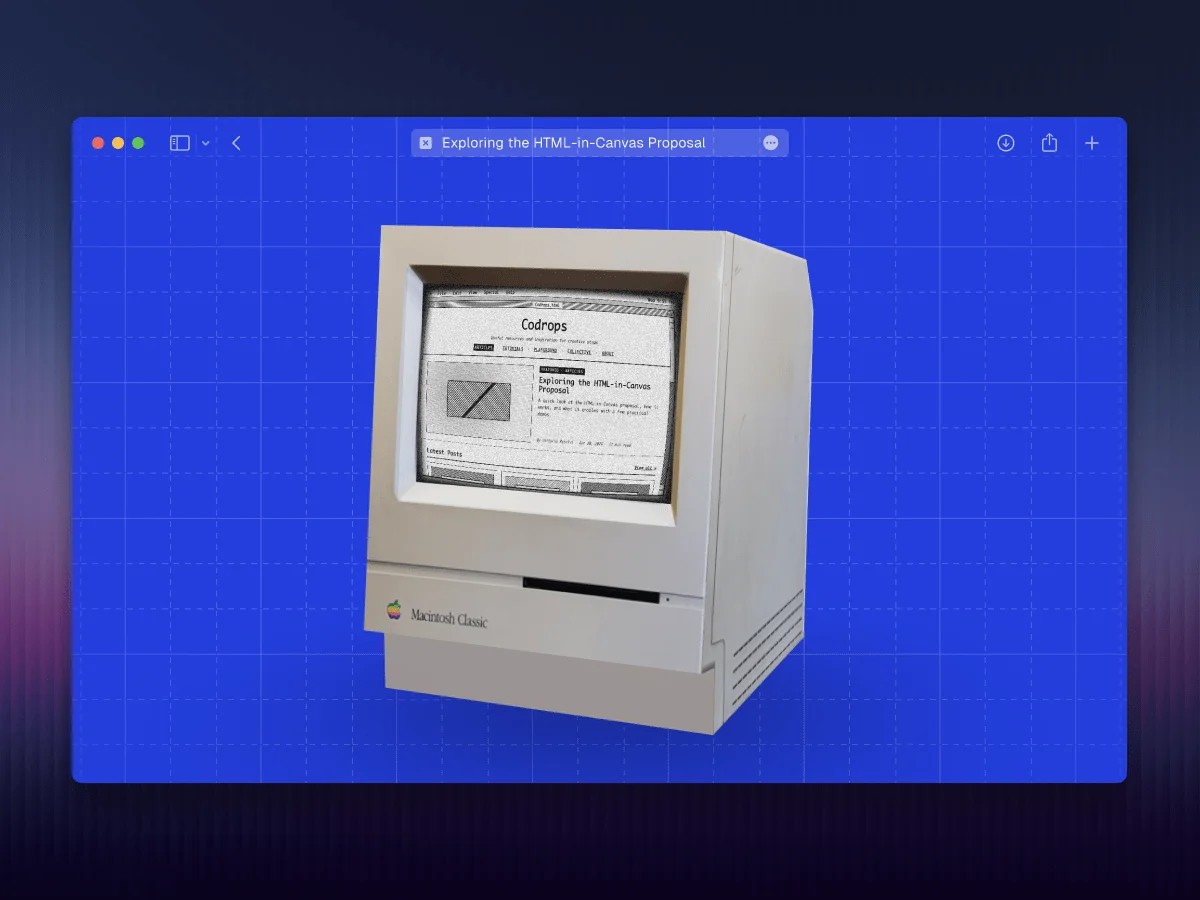
This post and the demos below are based on an experimental feature that is currently behind a flag, enable it at
chrome://flags/#canvas-draw-elementin any Chromium-based browser. If the flag is unavailable or the demos still don’t work, try Chrome Canary.
Recently, social media has been buzzing about a new proposal from the WICG that aims to render traditional HTML inside a Canvas, and I have to say, I’m pretty excited about it. I’ve been waiting for something like this ever since I first came across a tweet about the idea back in 2024, so naturally I had to dive in and see what it’s all about.

The Problem
For years, the web has drawn a hard line between two worlds: the structured, accessible richness of HTML and the raw, pixel-level control of canvas.
If you wanted accessible UI components and the flexibility of CSS, you stayed in the DOM. But if you needed full control over rendering (whether for games, 3D scenes, or custom shaders), you had to switch to canvas.
The Proposal
The HTML-in-Canvas proposal aims to address this limitation by enabling to render real HTML content directly, while preserving key DOM benefits like layout, accessibility, and CSS styling.
The API introduces three main primitives:
- A
layoutsubtreeattribute that opts canvas children into layout - A
drawElementImage()method that renders a child element into the canvas - A
paintevent that fires whenever a canvas child changes
Putting it all together, the API looks like this:
const canvas = document.getElementById("source");
const content = document.getElementById("content");
const ctx = canvas.getContext("2d");

canvas.onpaint = () => {
  ctx.reset();
  ctx.drawElementImage(content, 0, 0);
};

canvas.requestPaint();
At the moment, this feature is behind a flag. You can enable it at
chrome://flags/#canvas-draw-elementin any Chromium-based browser. If the flag doesn’t appear or the demos still don’t work after enabling it, try using Chrome Canary.
For security reasons, the proposal imposes some limitations on what can be rendered within the canvas. That said, these constraints are far less restrictive than those of the alternatives mentioned in the Workarounds section. I recommend reviewing the full specification, particularly the privacy-preserving painting section.
Seeing It in Action
When I started experimenting with the proposal, I began thinking about what this could mean for the future of the web, not just in terms of interesting effects and interactions, but also the new kinds of use cases it could unlock. I ended up organizing those ideas into four broad categories.
1. The Basics: Post-processing
With just those previous snippets, your content, accessible and styled with CSS, is rendered directly into a canvas. From there, you can use that canvas as a texture wherever you need it, for example as input to a shader.
In this first demo, I reuse the canvas content as a texture within a set of shaders built with React Three Fiber and React Postprocessing.
Imagine creating a beautiful hero section for your landing page and being able to easily layer post-processing effects on top of it to make it even more impressive, without having to worry about SEO or whether search engine crawlers can still read the content. The DOM is still there, the content is still accessible to crawlers, it’s just being rendered somewhere else.
Notes & references
The fluid effect comes from https://github.com/whatisjery/react-fluid-distortion
The rain effect is based on a Shadertoy snippet.
The pixelated effect uses the built-in pixelation effect from React Postprocessing.
2. A Small Feature
Not everything has to be a full-screen effect. And to be fair, with some of these effects we’re also undoing part of the accessibility we just gained (the pixelated effect might be a bit much 😅).
One use case I find particularly interesting for HTML-in-Canvas is adding small, subtle interactions to the UI, things that were previously hard (or nearly impossible) to achieve, while still maintaining a clean, high-performance interface. The goal is to introduce those wow effects in specific interactions that capture the user’s attention.
As an example, I’ll mimic this vanish input snippet created by Rauno, a piece of text that fades away when you press Enter.
The trick behind this snippet is that it uses a hidden canvas positioned absolutely on top of the input field. When the user presses Enter, the canvas is revealed and the same text is drawn onto it using matching font styles, making it appear as if the input is still there. From that point on, it’s just a matter of manipulating the canvas pixels on each frame.
With HTML-in-Canvas, we can achieve the same result without relying on the “hidden canvas” trick, since the input itself can be rendered directly into the canvas.
This example by Matt Rothenberg is another great demonstration of this kind of use case. The effect that appears when you click “Submit” creates a subtle but impactful wow effect for the user.
3. Transitions
Another good use case for HTML-in-Canvas is applying transition effects between sections of content or entire pages.
In this demo, I experimented with a curl effect, using a Shadertoy snippet as a starting point. Yes, the classic iBook page transition is now surprisingly easy to recreate on the web.
Building on the same idea, here’s another experiment where the site’s content is revealed in a distinctive way as the user logs in.
4. Building 2D UIs in a 3D world
Building 2D user interfaces for 3D web scenes is usually quite a tedious task, at least for me. Generally speaking, we don’t have the full power of CSS when it comes to layout (Flexbox, Grid), or even basic design features like box shadows or borders. Everything has to be handled at the shader level.
There are a few different approaches we can take here.
Let’s say we have a scene with a 3D model of a computer, and we want to display something on its screen. A simple texture, or even a video, might not be enough, so we decide to build a fully interactive interface.
If our stack is React + React Three Fiber, one common approach is to use the HTML component from Drei, which lets us attach HTML content to objects in the scene.
However, this doesn’t always give us the result we’re looking for. In many cases, we want the interface to feel truly embedded in the 3D world, not just layered on top of it, and we may also want to apply shader effects to it. We ran into this exact issue while building the arcade scene for the basement.studio site.
At the time, we solved it using uikit, a great library that provides accessible components and layout primitives for React Three Fiber. We rendered the UI into a render target, applied a fragment shader to it, and used that as the screen texture, resulting in this lab.
But now, there’s a third option. While uikit is powerful, it’s still limited compared to CSS. With HTML-in-Canvas, we can follow a similar approach while leveraging the full power of HTML and CSS.
In fact, the creator of Three.js has already been experimenting with this proposal. In release 184, he introduced HTMLTexture, a new texture class that renders live HTML via this new browser API.
The implementation also includes a new add-on called InteractionManager, which for HTMLTexture computes a CSS matrix3d transform on each frame, allowing the browser to handle hit-testing, hover, focus, and input natively, without the need for raycasting or synthetic events.
Thanks to these two new features in Three.js, the following demo was very easy to create.
The source code for this demo looks something like this:
import "./styles.css";
import { Footer } from "@/components/layout/footer";
import { Header } from "@/components/layout/header";
import { GridBackground } from "@/components/ui/grid-background";
import { ComputerScreen } from "./components/computer-screen";
import { Scene } from "./components/scene";
const BasicUI = () => (
<>
There are two key components to pay attention to:
export const ComputerScreen = () => {
  {...content}

  return (

      {...content}

  );
};
"use client";

import { ContactShadows, Float, OrbitControls, Stage } from "@react-three/drei";
import { Canvas, useFrame, useLoader, useThree } from "@react-three/fiber";
import { Suspense, useEffect, useRef } from "react";
import { HTMLTexture, Mesh, type ShaderMaterial } from "three";
import { InteractionManager } from "three/addons/interaction/InteractionManager.js";
import { GLTFLoader } from "three/addons/loaders/GLTFLoader.js";

import { screenMaterial } from "./crt-effect";

type ScreenMaterial = ShaderMaterial & { map: HTMLTexture | null };
const material = screenMaterial as ScreenMaterial;

const Mac = () => {
  const gltf = useLoader(GLTFLoader, "/mac.glb");
  const { gl, camera } = useThree();
  const screenRef = useRef(null);

  const interactions = useRef(null);

  useEffect(() => {
    // We retrieve the element
    const element = document.getElementById("computer_screen");
    if (!element) throw new Error("#computer_screen element not found");

    // We create a texture from that element using HTML-in-Canvas
    const texture = new HTMLTexture(element);

    // Create an Interaction Manager to forward pointer events from the 3D plane to the DOM element
    interactions.current = new InteractionManager();

    // We attach the texture to the computer screen plane
    material.uniforms.map.value = texture;
    material.map = texture;

    // Connect the interaction manager to the renderer and camera
    interactions.current.connect(gl, camera);

    // Register the screen plane mesh to receive pointer events
    if (screenRef.current) interactions.current.add(screenRef.current);

    window.dispatchEvent(new Event("mac-canvas-ready"));
  }, [gl, camera]);

  useFrame(({ clock }) => {
    material.uniforms.uTime.value = clock.elapsedTime;
    interactions.current?.update();
  });

  return (


  );
};

export const Scene = () => (


);
This approach will make it much easier to build interfaces for web games, interactive experiences, and even VR/AR applications using WebXR.
Workarounds
If we don’t want to wait for the proposal to be fully implemented and broadly supported across browsers, there are currently a few alternatives for achieving this kind of behavior.
On one hand, libraries like html2canvas attempt to emulate CSS properties directly in a canvas. It’s an interesting workaround, but far from perfect. As the documentation itself states: Since each CSS property needs to be manually coded to render correctly, html2canvas will never have full CSS support. The library tries to support the most commonly used CSS properties to the extent that it can.
That said, it’s proven to be good enough in practice, as it was used in the Next.js Conf 2024 badge to achieve this kind of effect.
On the other hand, another approach is to use the SVG
The SVG
Final Thoughts
HTML-in-Canvas feels like one of those ideas that makes you wonder why it didn’t exist before. It’s still early and experimental, but the potential is clear. If this direction holds, we might finally stop thinking in terms of “DOM vs. canvas” and start treating them as part of the same rendering pipeline.
That’s a meaningful shift.
