
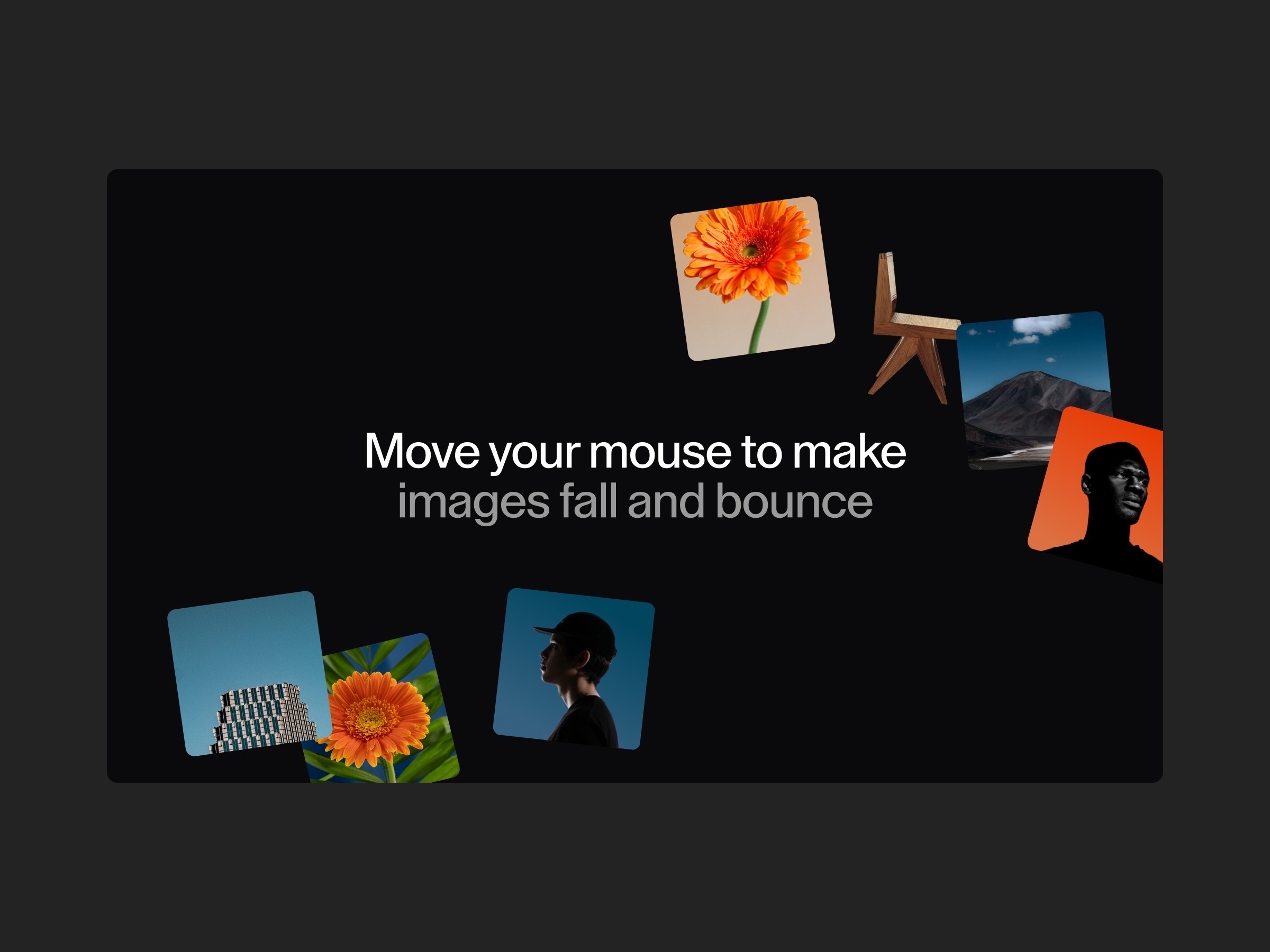
To celebrate the launch of our new collection of effects, we partnered with Codrops for a fun little tutorial exploring an interactive animation where images appear following the mouse cursor. The twist: once an image has appeared, it falls to the bottom of the viewport, bounces, and then disappears.
Visit the demo link to download the ZIP files or copy the component directly into your Webflow project. Let’s get started!
HTML Structure
The structure here is quite simple. We will simply call the set of images we want for our effect:
Some CSS
Now, I will hide these images using a bit of CSS.
.codrops_mwg .medias img {
    width: 1px;
    height: 1px;
    top: 0;
    left: 0;
    position: absolute;
    visibility: hidden;
    pointer-events: none;
}
A quick explanation: we could have loaded these images directly via JavaScript to keep the DOM clean. So why didn’t we do that? Because this technique allows us to load the images immediately, even if they are hidden. This way, there will be no delay when an image is created with our script.
Here’s how I retrieve all the URLs of the images used in this effect. These URLs are now stored in my images array.
const root = document.querySelector('.codrops_mwg')
const images = []
root.querySelectorAll('.medias img').forEach(image => {
    images.push(image.getAttribute('src'))
})
Starting the animation
We’ll trigger a function whenever the cursor moves a certain distance. Here we track both X and Y movements to compute the total distance traveled:
const root = document.querySelector('.codrops_mwg')
let incr = 0,
    oldIncrX = 0,
    oldIncrY = 0

root.addEventListener("mousemove", e => {
    const valX = e.clientX
    const valY = e.clientY

    // Add the positive difference between the last two positions (X + Y)
    incr += Math.abs(valX - oldIncrX) + Math.abs(valY - oldIncrY)

    oldIncrX = valX
    oldIncrY = valY
})
Here, we calculate the delta between the current cursor position and the previous position on both axes. We then add this total difference to our incr variable. We also store the deltas because we’ll need them later to determine the direction the image should drift while falling.
Triggering the Image Creation Function
Next, we’ll call the function to create an image once incr exceeds a specific threshold. To make the effect responsive, we’ll set the threshold to window.innerWidth / 8.
const root = document.querySelector('.codrops_mwg')
let incr = 0,
    oldIncrX = 0,
    oldIncrY = 0,
    resetDist = window.innerWidth / 8

root.addEventListener("mousemove", e => {
    const valX = e.clientX
    const valY = e.clientY

    incr += Math.abs(valX - oldIncrX) + Math.abs(valY - oldIncrY)

    if(incr > resetDist) {
        incr = 0
        createMedia(valX, valY - root.getBoundingClientRect().top, valX - oldIncrX, valY - oldIncrY)
    }

    oldIncrX = valX
    oldIncrY = valY
})
Notice that we pass two extra parameters to createMedia(): deltaX and deltaY. These represent the direction the cursor was moving at the moment the image is created. We’ll use them to make the image drift in the same direction as it falls.
For the y position, we adjust by subtracting the distance from the top of the root element to the top of the viewport. This ensures the effect works correctly even if the page is scrolled down:
e.clientY - root.getBoundingClientRect().topInside the createMedia() Function
The createMedia() function now accepts four parameters: x, y, deltaX, and deltaY. We start by creating an image.
const image = document.createElement("img")
image.setAttribute('src', images[indexImg]) root.appendChild(image)
We also add a small guard: if the cursor is too close to the bottom of the viewport, we skip the creation to avoid a visually broken fall:
const H = window.innerHeight if (y > H - 200) returnLet’s create a simple GSAP Timeline(). When the timeline finishes, the image is removed from the DOM:
const tl = gsap.timeline({
    onComplete: () => {
        root.removeChild(image);
        tl && tl.kill()
    }
})
The first tween handles the appearance with the same elastic bounce, but without setting x and y — those will be handled by separate tweens running simultaneously:
tl.fromTo(image, {
    xPercent: -50 + (Math.random() - 0.5) * 80,
    yPercent: -50 + (Math.random() - 0.5) * 10,
    scaleX: 1.3,
    scaleY: 1.3,
    rotation:(Math.random() - 0.5) * 20
}, {
    scaleX:1,
    scaleY:1,
    ease: 'elastic.out(2, 0.6)',
    duration: 0.4
})
Next, we animate the horizontal position. The image drifts in the direction the cursor was moving, using deltaX. This tween starts at the same time as the previous one thanks to the '<' position parameter:
tl.fromTo(image, {
    x,
}, {
    x: '+=' + deltaX * 2,
    rotation: 0,
    ease: 'power1.in',
duration: 0.4 }, '<')
Simultaneously, we animate the vertical position. The image falls from its initial y position to the bottom of the viewport. The yPercent: -95 combined with scale: 0.9 ensures the bottom edge of the image lands precisely at the bottom of the viewport:
tl.fromTo(image, {
    y
}, {
    y: '+=' + (H - y),
    scale: 0.9,
    yPercent: -95,
    ease: 'back.in(1.1)',
    duration: 0.4
}, '<')
Finally, the bounce. After hitting the bottom, the image bounces back up and disappears. We continue drifting horizontally and add a random rotation for a natural feel:
tl.to(image, {
    x: '+=' + deltaX * 1.6,
    rotation:(Math.random() - 0.5) * 40,
    ease: 'power1.in',
    duration: 0.3
})
tl.to(image, {
    yPercent: 150,
    ease: 'back.in(' + (1.5 + (1 - y/H)) + ')',
    duration: 0.3
}, '<')
Notice the dynamic easing: 'back.in(' + (1.5 + (1 - y/H)) + ')'. The higher the image starts, the stronger the overshoot on the bounce, creating a more dramatic effect for images that fall from further up.
Going further
By tweaking the random values or exploring other easing options from GSAP’s documentation, you can achieve different visual effects. Try adjusting the back.in intensity for more or less dramatic bounces. The GSAP Easing documentation page is a great playground for this!
About Made With Gsap
Made With Gsap is a platform featuring an ever-growing collection of 100+ unique and well-crafted JS effects. We’ve just released 50 new additions, plus a brand-new effect dropping every week.
To celebrate the launch of this new collection, we’re offering 10% off your first subscription period with the code Codrops10 — available until the end of May.
Thanks again to Manoela and Codrops for the opportunity to share this fun bouncy effect and for continuously inspiring the creative development community.
If you’d like to follow the adventure, you can find us on Instagram, LinkedIn, Youtube, X (Twitter) and Bluesky.
